Having a single desktop screen to look at can be quite limiting, especially for users who often work with many open programs. It would be incredibly useful to have a tool that lets you manage multiple desktop screens easily. As a matter of fact, goScreen promises to take care of exactly that problem, so let's check it out!
Expanding your digital workspace
You can use goScreen for free for 30 days, after which some features are stripped away and you have to buy a license if you want to keep them all. Functionally, it's a desktop manager that divides your currently running programs into different 'pages'.
Think of it like a notebook, where a single page represents a desktop screen. While only one page is active at any given time, you can quickly access the rest. When you switch to a different page, every program running on the previous one stays active and waits for you to come back.Navigation and organization features
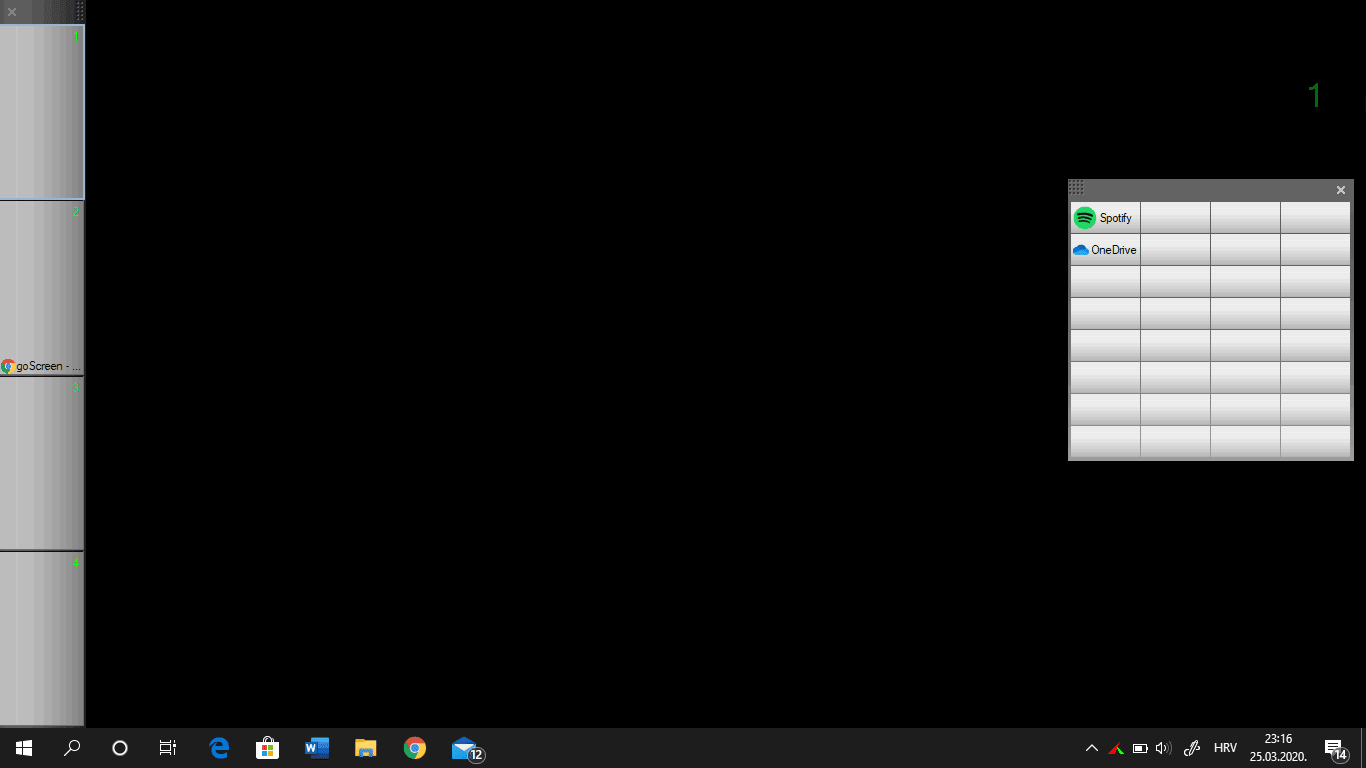
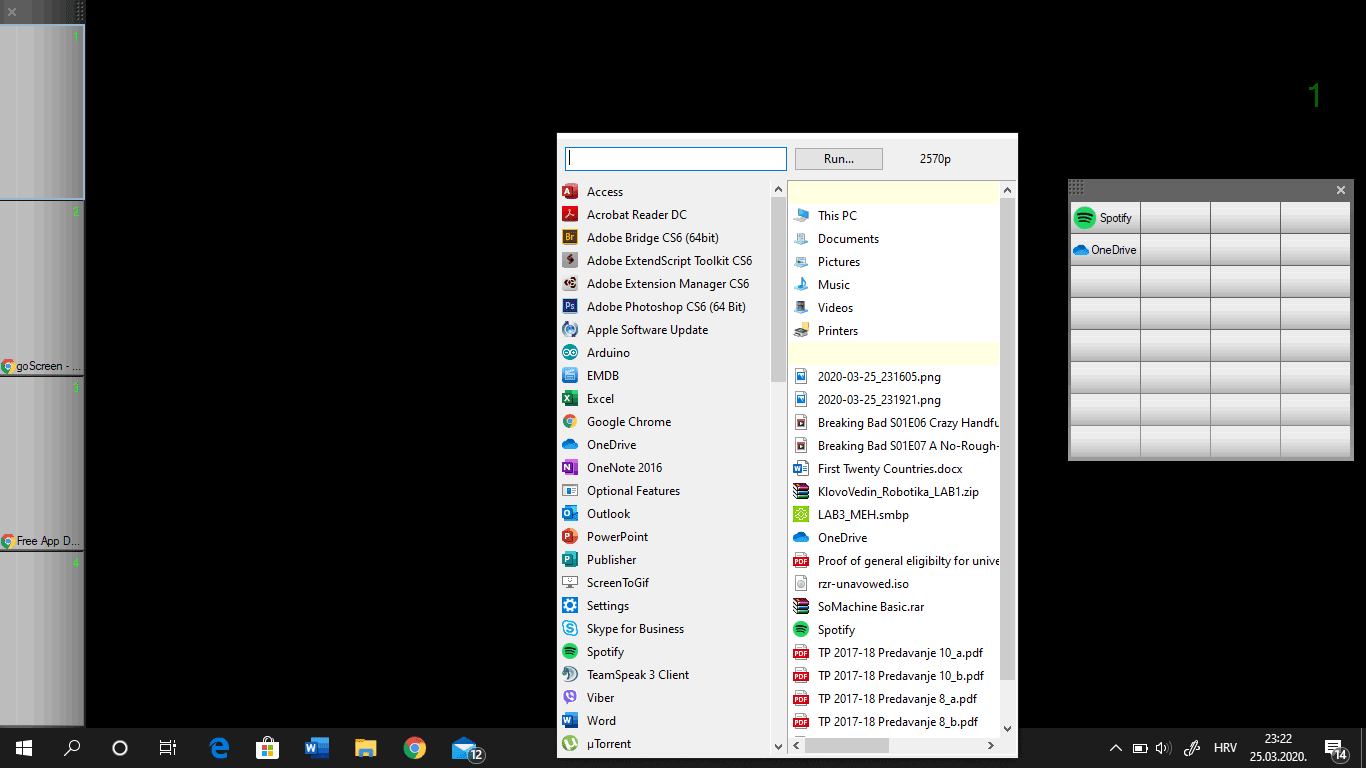
You can organize your desktop by running specific groups of applications on separate pages, resolving the problem of having too many open windows. Besides these pages, you can add a Window Map, a Window List, or a Launchpad to easily switch between pages and applications, or open certain apps in an instant. You can also add various details about each page, making labels like 'Work', 'School', and 'Entertainment' quite easy to manage.A customizable tool with an aging UI
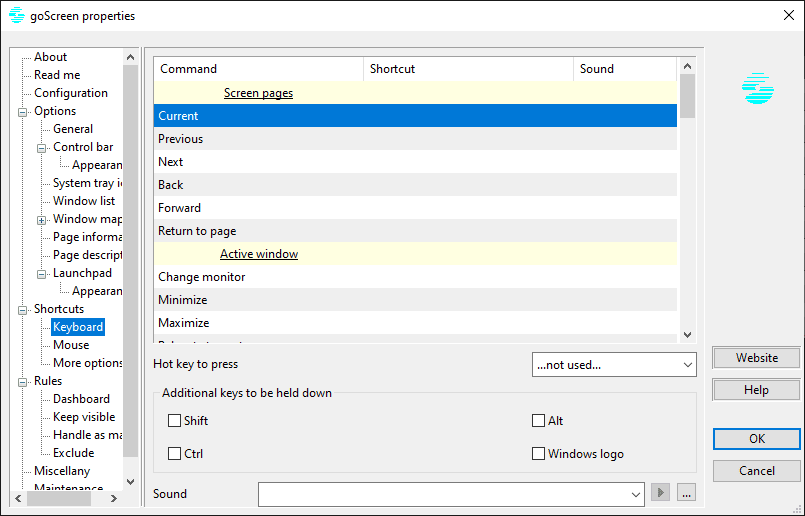
goScreen is highly customizable and allows you to organize your desktop however you want. It might take a while to set up, learn the useful keyboard shortcuts, and get used to managing multiple desktops, but these steps are necessary to get the most out of the program. The only thing we would improve is its design. Still, it should be noted that goScreen supports all Windows versions - from Windows NT to Windows 11, hence a design not innate to Windows 11. Developing a Windows-11-only app and renewing the UI might be a good idea.